How to Sell CS2 Skins for Bitcoin and Crypto in 2026
Key takeaways
- Steam doesn't pay out in crypto. To get Bitcoin for CS2 skins, sell them on a third-party site that pays to your crypto wallet.
- SkinCashier pays out in Bitcoin, Ethereum and Litecoin. As of October 2026 the fees are flat: $2 for Bitcoin, $0.50 for Ethereum and $0.10 for Litecoin.
- Bitcoin's $2 fee works out cheaper than PayPal's 2% only above $100. Litecoin's $0.10 fee is the lowest for any payout over $5.
- For CS2 items the payout is released after Steam's 7-day trade protection ends.
- Copy the wallet address from your wallet's receive screen and make sure it matches the coin you picked.
Table of contents
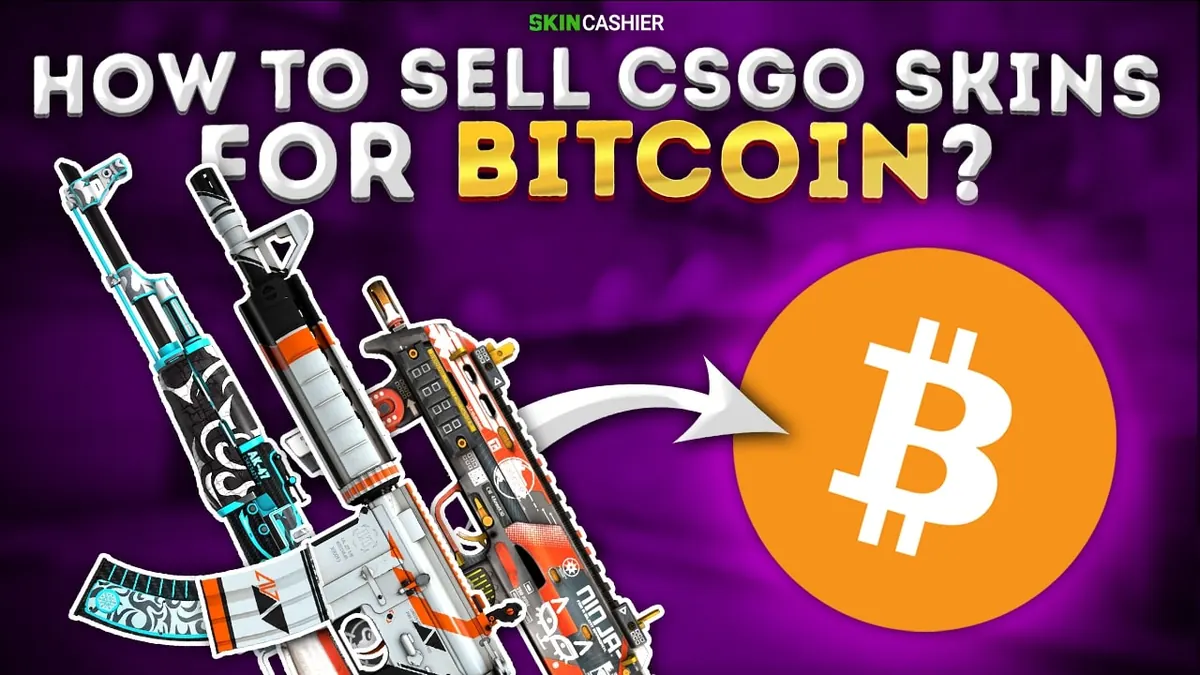
To sell CS2 skins for Bitcoin, use a site that buys skins and pays out in crypto, because Steam only pays in Wallet funds. On SkinCashier you sign in with Steam, pick your items, choose Bitcoin and paste your wallet address. Ethereum and Litecoin are available too. As of October 2026 a Bitcoin payout costs a flat $2, with a $5 minimum.
Crypto payouts on SkinCashier
SkinCashier pays out in three cryptocurrencies. The fees are flat, so they don't grow with the amount (as of October 2026):
| Coin | Fee | Minimum payout | Maximum payout |
|---|---|---|---|
| Bitcoin (BTC) | $2 | $5 | $10,000 |
| Ethereum (ETH) | $0.50 | $4 | $5,000 |
| Litecoin (LTC) | $0.10 | $0.50 | $10,000 |
Fees and limits can change, so check the live table on the instant sell page before you sell. The fee for the method you pick is also shown before you confirm. Which addresses and networks each coin supports is on our sell CS2 skins for crypto page.
How to sell CS2 skins for Bitcoin on SkinCashier
- Get a wallet address. Open your wallet app or exchange account, go to Receive and copy the address for the coin you want (BTC, ETH or LTC). An address for one coin doesn't work for another.
- Prepare your Steam account. Turn on the Steam Guard Mobile Authenticator; you need it to confirm the trade. CS2 items are never put on a trade hold, but Rust, Dota 2 and TF2 items leaving your account are held for up to 15 days if the authenticator hasn't been on for at least 7 days. Set your inventory to public and have your Steam trade URL ready.
- Sign in through Steam. Check that the login page is on
steamcommunity.combefore you type your password. - Pick your items. You see the price for each item and the total in seconds.
- Choose Bitcoin, Ethereum or Litecoin and paste your address. Compare the first and last few characters with the address in your wallet.
- Accept the trade offer in the Steam mobile app and check that the items match.
- Get paid to your wallet. For CS2 items the payout is released after Steam's 7-day trade protection ends. Rust, Dota 2 and TF2 items are paid once the trade is complete.
Why CS2 payouts wait 7 days
Every CS2 trade is trade protected for 7 days, and during that time it can be reversed. Steam added this so people who lose control of their account can get their items back. For a buyer it means the item isn't safe until the window closes, so SkinCashier releases payouts for CS2 items after the 7 days.
Bitcoin, Ethereum, Litecoin or PayPal?
The cheapest option depends on how much you're cashing out:
- Lowest fee: Litecoin. Its $0.10 fee is the lowest of all payout methods for anything over $5 (below that, PayPal's 2% is lower). Read more in our guide to selling skins for Litecoin.
- Bitcoin or PayPal: Bitcoin's flat $2 costs less than PayPal's 2% above $100 and more below it.
- Ethereum or PayPal: Ethereum's $0.50 is cheaper than PayPal above $25. Ethereum payouts stop at $5,000.
- You don't use crypto: pick PayPal. See how to sell CS2 skins for PayPal.
Keep in mind that crypto prices move. If you plan to convert the coins to money, the amount you end up with can be higher or lower than on the day you sold, and your exchange may charge its own fees. If you only want money in your account, PayPal avoids both.
For a wider view, including Steam Market and P2P marketplaces, see our comparison of every way to sell CS2 skins for real money.
Staying safe
- Only sign in through the real Steam login page, and never share your Steam password, Steam Guard code or Web API key.
- Nobody legitimate asks you to send crypto first to "unlock" a payout. That is a scam.
- Store larger amounts in a wallet where you control the keys, and keep your seed phrase offline.
More warning signs in our guide to avoiding CS2 scams.
FAQ
Can you sell CS2 skins for Bitcoin?
Yes, on third-party sites. Steam pays only in Wallet funds. On SkinCashier you sign in through Steam, pick your items, choose Bitcoin and paste your Bitcoin wallet address.
What does a Bitcoin payout cost on SkinCashier?
As of October 2026 the fee is a flat $2 per payout and the minimum payout is $5. Ethereum costs $0.50 ($4 minimum) and Litecoin $0.10 ($0.50 minimum). Current fees are on the instant sell page.
Which crypto is cheapest for small payouts?
Litecoin. Its fee is $0.10 and the minimum payout is $0.50, so it suits small inventories. Bitcoin's flat $2 fee makes more sense for larger amounts.
Do I need a crypto exchange account?
You need a wallet that can receive the coin you choose. That can be a wallet app or an exchange account. If you want to turn the coins into money later, you'll need an exchange, which may charge its own fees.
Sources
Update history
- Updated for CS2 and 2026: Ethereum and Litecoin payouts, current fees and minimums, the 7-day trade protection rule for CS2 payouts, crypto compared with PayPal, and a FAQ. Removed outdated price predictions and payout methods SkinCashier no longer offers.
- Updated.
- Published.
Related guides
How to Sell CS2 Skins for PayPal in 2026
Sell CS2 skins for PayPal on SkinCashier: the steps, the 2% PayPal payout fee and limits as of October 2026, and how PayPal compares with crypto.
Sell CS2 Skins for Real Money: Every Method Compared (2026)
Steam Market pays only in Wallet funds. Instant-sell sites, P2P marketplaces and direct trades compared on how you get paid, fees and risk.
Can You Withdraw Money From Steam Wallet? (2026)
No: Steam Wallet funds can't be paid out to a bank or PayPal. What Valve's rules say, the one refund exception and the legal ways to turn skins into money.