Sell Rust skins without waiting for a buyer
When you sell Rust skins to SkinCashier, we buy them ourselves. There's no listing and no waiting for another player. You sign in through Steam's own login page, pick the skins you want to sell and accept one trade offer from our bot in the Steam Mobile app.
That's what it means to sell Rust skins instantly here: the sale is done as soon as the trade goes through, and the money is on your SkinCashier balance right after. Steam's 7-day trade protection applies to CS2 items only, so Rust skins aren't affected. CS2 items and items from other games go in separate trades.
Which Rust skins we buy
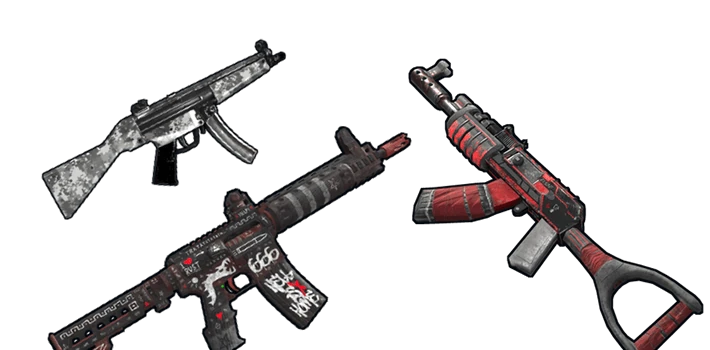
We buy tradable Rust skins that have a Steam Community Market price: weapon skins, doors and garage doors, masks, hoodies and other clothing. After you sign in with Steam, every item we can buy shows its price. Items we can't buy are grayed out, and items you can't trade yet are shown locked.
We don't buy crafting resources like cloth, wood and metal, items worth less than $0.10 or items released in the last two weeks, because their price isn't stable yet. Seasonal Christmas items may be paused off season, and we may skip an item we already hold too many of.
Trade holds: turn on Steam Guard first
Steam holds Rust trades for up to 15 days when the Steam Guard Mobile Authenticator hasn't been active on your account for 7 days. We can't accept a trade that Steam would put on hold, so turn the authenticator on first and sell once those 7 days have passed. You can check your trade hold on Steam before you start. Accounts with a trade ban can't sell.
How we price Rust skins
Each price starts from the item's Steam Community Market data and is checked against other markets. We need several price sources for every item, so skins that rarely sell or whose price jumps around get a lower offer or none at all. Our prices are lower than Steam Market listings for a simple reason: a Steam Market sale pays you in Steam Wallet funds, Steam adds about 15% in fees on top of your price, and that money can't leave Steam. We pay real money, and you see the exact amount for each skin before you send anything.
Cash out to PayPal or crypto
To sell Rust skins for PayPal, pick PayPal when you withdraw your balance: the money goes to your PayPal email, in USD, for a 2% fee. You can also withdraw to Bitcoin, Ethereum or Litecoin, for a network fee from $0.10 (Litecoin) to $2 (Bitcoin). You see the exact amount before you confirm. Read how PayPal payouts and crypto payouts work.
Where else you can sell Rust skins
The Steam Community Market is the easiest place to start, but it only pays Steam Wallet funds. Trading sites and bots swap your skins for other skins, not for cash. On a marketplace you set your own price and wait for another player to buy. If you can wait, that can get you a higher price than ours, but less popular skins can take days to sell. When you sell to SkinCashier, you see a fixed price up front and the sale is done in one trade.