Which Steam games we buy skins from
You can sell skins and other Steam items to SkinCashier from four games: Counter-Strike 2, Rust, Team Fortress 2 and Dota 2. We buy the items ourselves and pay in money you can withdraw, not in Steam Wallet funds. Each game has its own page with the items we buy and the rules that apply to it.
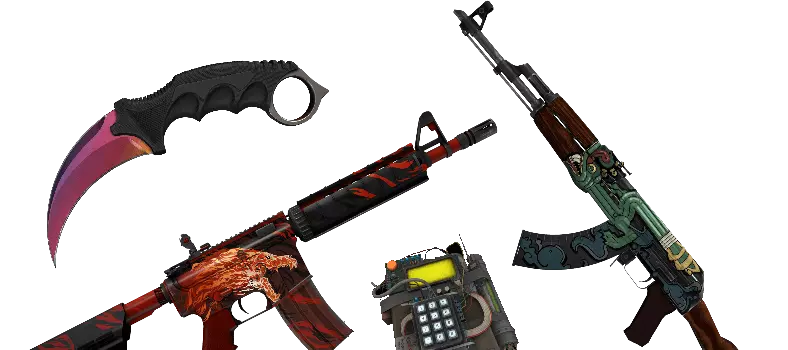
CS2 (CS:GO) skins
Weapon skins, knives, gloves, agents, stickers and other tradable CS2 items that have a market price. CS2 trades fall under Steam's 7-day trade protection, so the money for CS2 skins is released when it ends. Start on the home page, or see how to sell CS2 skins for real money.
Rust skins
Weapon skins, doors and garage doors, masks, hoodies and other clothing. The money for Rust skins is on your balance right after the trade. See sell Rust skins.
TF2 items
Hats and other cosmetics, Strange and Australium weapons, Strange Parts, taunts and Mann Co. Supply Crate Keys. See sell TF2 items.
Dota 2 items
Hero items and set pieces, bundles, taunts and their Inscribed, Autographed and Genuine versions. Each version is priced on its own. See sell Dota 2 items.
What we don't buy
We only buy items from those four games. Items from other Steam games, and Steam's own trading cards, profile backgrounds and emoticons, can't be sold here. Within the four games we also don't buy:
- items that aren't tradable on Steam (items you can't trade yet are shown locked)
- items worth less than $0.30, or $0.10 for Rust skins
- items released in the last two weeks, because their price isn't stable yet
- items with too few sales to give them a reliable price
- CS2 cases and other containers, Souvenir items, graffiti, music kits, sticker capsules and name tags
- TF2 crates, cases, Name Tags and tickets, Rust crafting resources such as cloth, wood and metal, and Dota 2 loading screens
We may also skip an item we already hold too many of. After you sign in, items we can't buy are grayed out, so you know what you can sell before you pick anything.
How selling Steam items works
- Sign in with Steam on Steam's own login page. We never ask for your Steam password.
- Pick the game and the items. Every item we can buy shows its price before you trade.
- Accept one trade offer from our bot in the Steam Mobile app. CS2 items and items from other games go in separate trades.
- Withdraw the money. It goes to your SkinCashier balance in US dollars, and you withdraw it to PayPal or crypto.
Before you start, turn on the Steam Guard Mobile Authenticator, set your inventory to public and add your Trade URL.
Payout methods: PayPal or crypto
Whichever game you sell, we pay to PayPal or in Bitcoin, Ethereum and Litecoin. The current fee and limits of each method are shown at the top of this page, and you see the exact amount again before you confirm a withdrawal. There's no bank transfer or card payout.
- Sell skins for PayPal: US dollars to the email of your PayPal account, sent through PayPal's Payouts service.
- Sell skins for crypto: native BTC, ETH or LTC to your wallet address, converted at the exchange rate when the payout is sent.
Steam Wallet funds vs real money
The Steam Community Market is the easiest place to sell Steam items, but it pays only in Steam Wallet funds. You can spend them on Steam, and you can't withdraw them to PayPal or a bank. The buyer also pays about 15% in fees on top of your price.
When you sell to us, the price is lower than a Steam Market listing, but it's money you can take out of Steam, and you see it before you send anything. How we price skins explains the difference. Our page on how to sell CS2 skins for real money compares every way to cash out.
Trade holds and trade protection by game
Steam treats CS2 differently from the other three games, and that decides when the money is on your balance.
| Game | What Steam does | When the money is on your balance |
|---|---|---|
| CS2 | No trade hold, but the sender can reverse a trade for 7 days (trade protection) | When the 7 days end |
| Rust, TF2, Dota 2 | Holds trades for up to 15 days if the Steam Guard Mobile Authenticator hasn't been active for 7 days | Right after the trade |
We can't accept a trade that Steam would put on hold, so turn the authenticator on a week before you sell Rust, TF2 or Dota 2 items. You can check your trade hold on Steam first. Accounts with a trade ban can't sell.